The best computer monitors for trading are not about flashy specs — they are about clarity, layout, and endurance through long sessions. A sharp, well-arranged desk reduces cognitive load so you can focus on execution, not hunting for windows.
How this guide differs: This is the display-only hub (panels, multi vs ultrawide, ergonomics, desk blueprints). For CPU, RAM, and GPU, see best trading computer. For laptops, see laptops for day trading. Reserve one screen for a trading journal so you review process, not only charts.
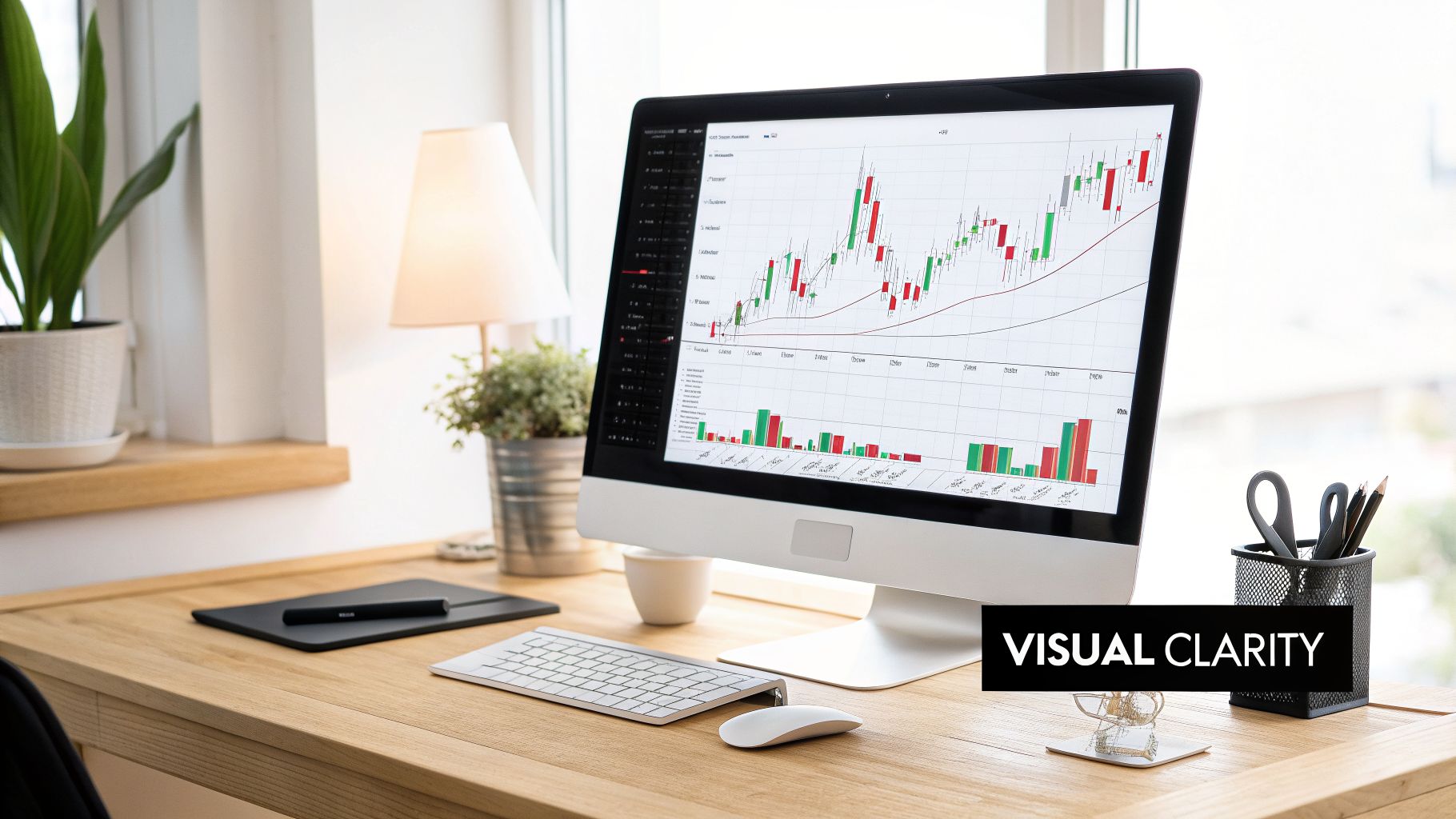
Why your monitor is a critical trading tool
Cramped or blurry screens mean missed levels, hidden news, and extra stress. Your display is the primary interface with the market — quality and layout affect focus under pressure.
A professional chef does not use one dull knife for everything. Serious traders need visual tools matched to how they analyze and execute.
Moving beyond a single small screen reduces cognitive load: less tab-switching, more room for timeframes, scanners, and context. Benefits:
- Deeper analysis — multiple timeframes and correlated markets visible at once
- Faster reactions — critical data in view without fumbling through windows
- Less fatigue — sharp text and ergonomics cut eye strain that leads to impulsive mistakes
Key monitor specifications at a glance
| Feature | What to look for | Why it matters |
|---|---|---|
| Size | 27 inches or larger | Real estate for charts and feeds without overlap |
| Resolution | QHD (1440p) or 4K (2160p) | Crisp candlesticks and readable platform text |
| Panel | IPS | Accurate colors and wide viewing angles on multi-monitor arrays |
| Aspect ratio | 16:9 or 21:9 ultrawide | Ultrawide = seamless timeline; 16:9 = flexible stacking |
| Ports | DisplayPort 1.4, HDMI 2.0+, USB-C | Enough outputs for your GPU and clean cabling |
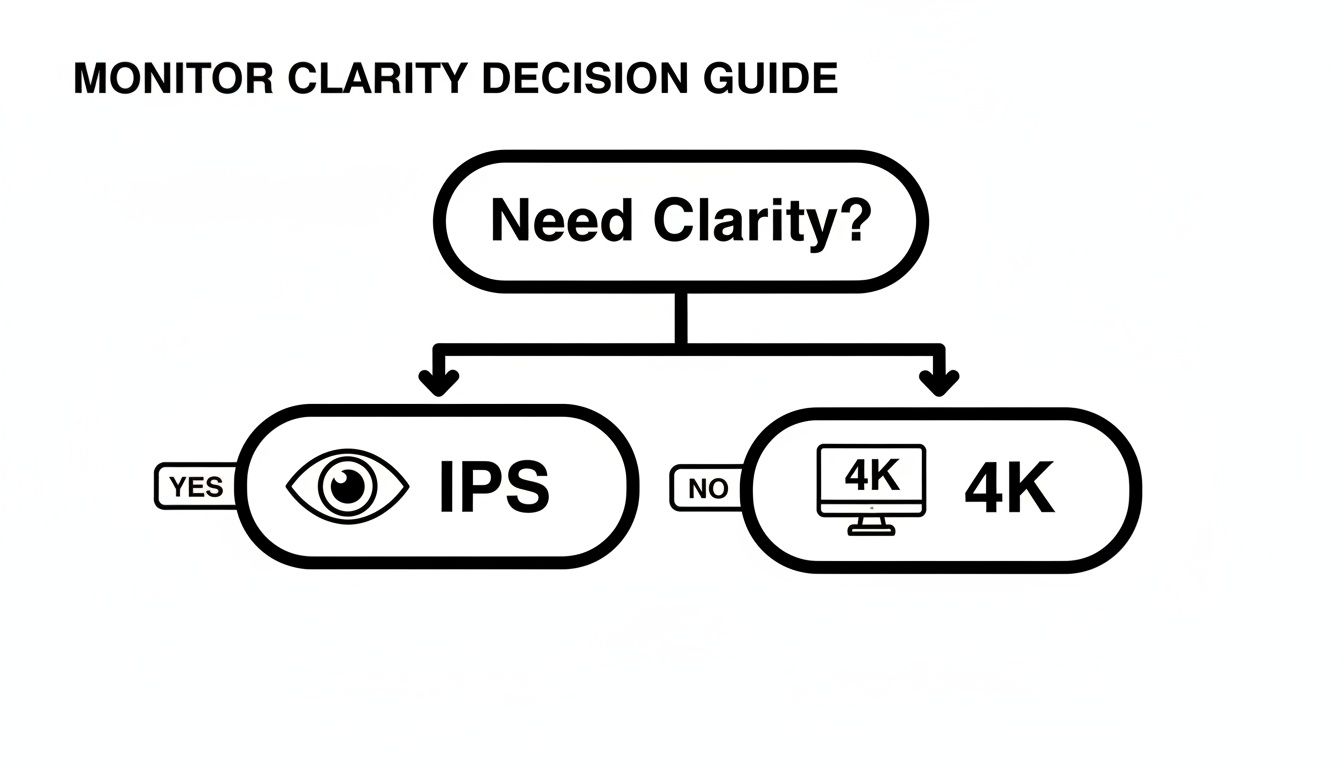
If eye comfort is the priority, choose IPS. If you need maximum chart density on one canvas, prioritize 4K (or QHD on 27-inch as a budget sweet spot).
Decoding monitor specs that matter to traders
Resolution and size
- Resolution — pixel count (QHD 2560×1440, 4K 3840×2160). Higher resolution = sharper wicks and UI text.
- Size — diagonal inches. Larger panels spread windows; pair size with resolution so text stays readable.
Sweet spot for most traders: 27-inch QHD minimum; 27–32-inch 4K if budget allows. Avoid large 1080p panels — charts look soft up close.
Panel type: why IPS wins
TN panels shift color off-axis — risky when red/green candles must read instantly across three screens. IPS keeps colors consistent at wide angles, which matters for multi-monitor discipline.
Refresh rate and response time
You do not need gaming-tier gear, but basics help:
- Refresh rate — 60 Hz is fine; 75–120 Hz smooths scrolling and window drags
- Response time — 5 ms or lower reduces ghosting on fast candles
Match monitors with trading platform comparison so software and hardware work together.
Multi-monitor vs ultrawide
No universal winner — pick what fits your workflow.
Multi-monitor command center
Compartmentalize tasks: each screen has one job. Example three-screen layout:
- Center — charts and execution
- Side — news, calendar, correlated markets (S&P 500, VIX, oil)
- Other side — trading journal and performance stats
Bezels act as mental boundaries — strong when you track unrelated symbols. Quality beats quantity: two excellent QHD panels often beat four mediocre ones.
Ultrawide immersive canvas
21:9 or 32:9 ultrawides remove bezels — ideal for one symbol with many timeframes on a single continuous timeline. Best when you specialize in a few names and want deep focus, not a wall of tickers.
Head-to-head
| Factor | Multi-monitor (e.g. 3×27”) | Ultrawide (e.g. 34–49”) |
|---|---|---|
| Workflow | Separate tasks and unrelated symbols | Deep single-asset analysis |
| Flexibility | Mix sizes; vertical monitor for L2/T&S | One canvas; strong window tiling |
| Cost | Often cheaper with three mid-tier panels | Premium super-ultrawides cost more |
| Desk space | Wider footprint, more cables | Fewer cables, still needs depth |
Ergonomics: trading endurance
Fatigue drives bad decisions. Neck strain and eye strain are P&L risks over hundreds of sessions.
Monitor position
- Height — top of screen at or slightly below eye level
- Distance — about arm’s length
- Tilt — 10–20° back to match natural gaze
Monitor arms
Stock stands rarely dial in height per screen. Arms let you align multi-monitor rows and rotate a panel vertical for order book, Time & Sales, or watchlists.
Eye comfort features
- Flicker-free — reduces hidden flicker headaches
- Low blue light — easier on eyes in evening sessions
Building your trading battlestation
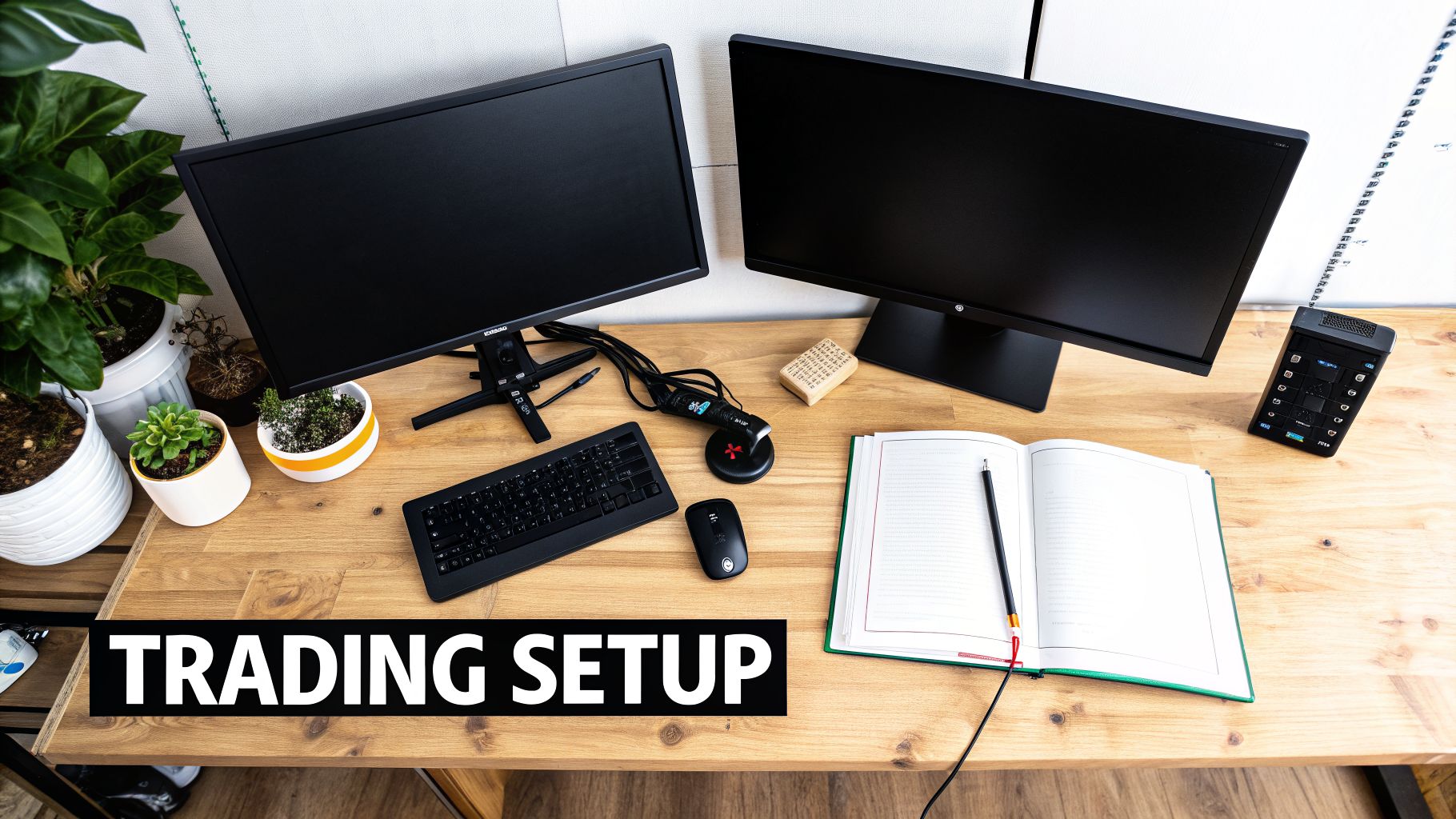
Layout should match how you trade — scalper vs swing trader need different density.
Day trader blueprint
Information density and speed:
- Center (main) — 27-inch 4K — primary charts and platform
- Vertical side — 24–27-inch QHD — Level 2, Time & Sales, news scroll
- Second side — 27-inch — indexes and correlated markets
- Fourth / top — journal and equity curve in view
Keeping win rate and equity curve visible anchors process over any single trade.
Swing trader blueprint
Research over tick noise:
- Primary — 32-inch 4K or 34-inch ultrawide for weekly/daily context
- Secondary — 27-inch QHD for fundamentals and calendar
- Analytics zone — journal for post-session review and pattern finding
Powering multiple 4K panels requires a capable PC — see best trading computer for GPU outputs and RAM.
Dedicate a screen to analytics
Screens show what the market does; a journal shows how you behaved. Log emotions and rule breaks alongside P&L so fatigue-driven mistakes show up in data.
Common questions about trading monitors
How many monitors do I need for day trading?
Most active day traders use three to four screens with clear roles. You can start with two high-quality monitors and add only when workflow feels cramped — each screen should have a job.
Are curved monitors better for trading?
Helpful on 34-inch+ single ultrawides — edges stay in peripheral vision. Avoid mixing curved and flat in one array; pick one style for consistency.
Do I need an expensive GPU for multiple monitors?
No. 2D charts are light versus gaming. A recent mid-range card with enough DisplayPort/HDMI ports for your plan is enough — check output count before buying panels.
Can I use a 4K TV as a monitor?
Usually a mistake: higher input lag, lower pixel density at desk distance, soft text. Trading monitors are built for close-up sharpness.
Related reading
- Best trading computer — CPU, RAM, GPU for multi-monitor
- Laptops for day trading — portable command centers
- Trading platform comparison — software for your setup
- Why every trader needs a trading journal — use your accountability screen well
- Books about trading psychology — mindset when fatigue hits
Start journaling with TraderSetup for free — pair a clear desk with honest performance data.