When you hear “best trading computer,” you might picture a specific brand or a flashy, high-end model. But the best machine is one built for your trading style — stable, fast enough for your platforms, and sized for your monitors. Whether you day trade, swing trade, or backtest strategies, the right PC is infrastructure for execution, not a guarantee of profits.
How this guide differs: This is the desktop and workstation hub (components, 2026 spec tables, peripherals). For laptops, see laptops for day trading. For monitors only, see computer monitors for trading. Pair hardware with a trading journal so you can review whether lag or setup issues affected real trades.
Your Trading Computer Is Your Most Important Tool
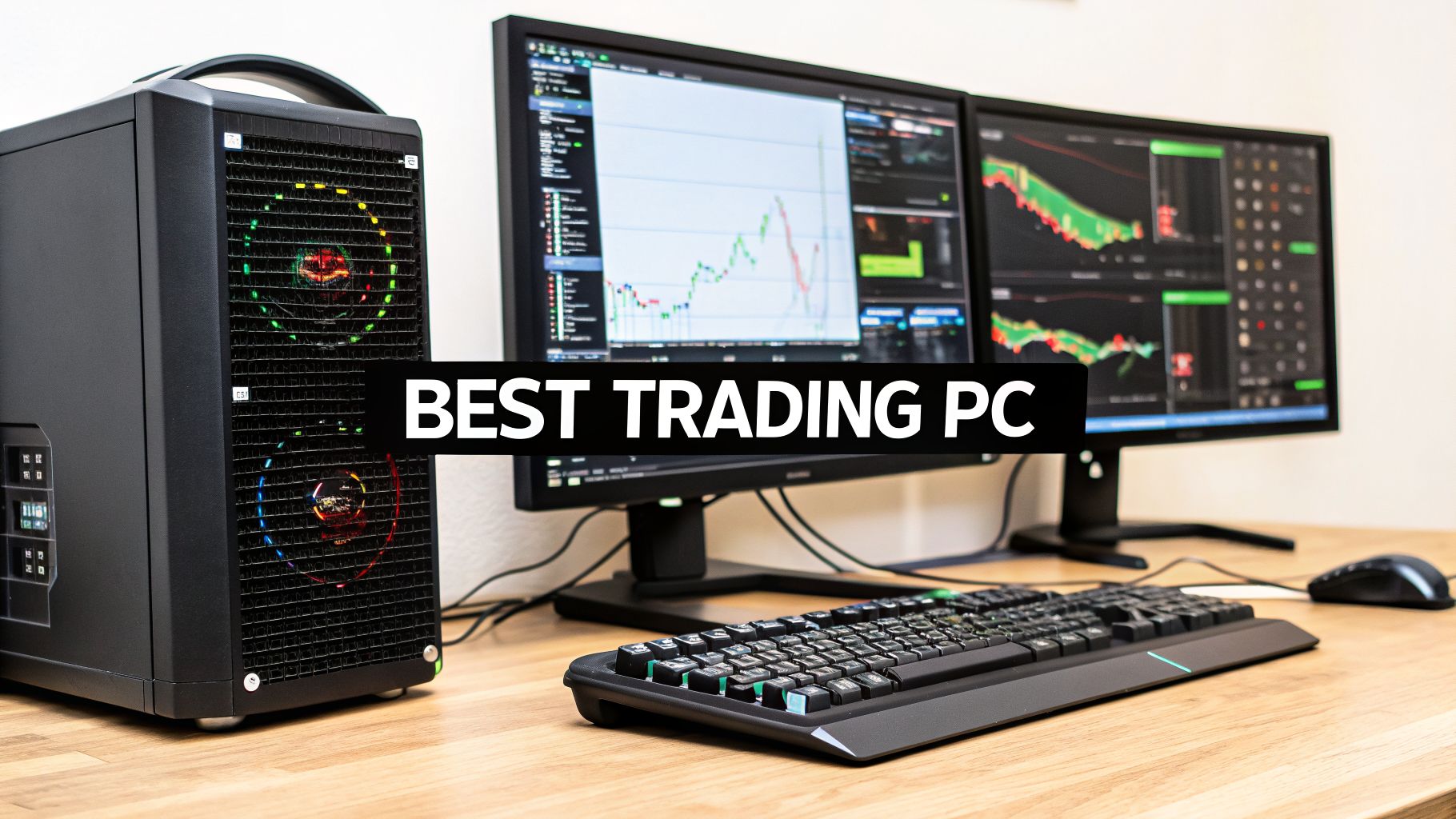
We’ve all been there. That gut-wrenching moment when your platform lags just as you’re about to click “buy,” or a total system freeze during a wild price swing. These hardware failures aren’t just annoying; they can hit your bottom line directly, turning a winning trade into an unexpected loss. It’s a pain point many traders know all too well, especially those who underestimate the tool at the heart of their operations. This struggle is a real part of the trading journey, but it’s one you can overcome with the right preparation.
It’s a common mistake to see your trading computer as just another expense. Instead, you need to frame it as a critical investment in your career. It’s an asset just as vital as your trading education or the capital in your account. The right machine isn’t about luxury or guaranteeing profits — it’s about giving yourself the stable, reliable foundation you need to execute your strategy like a professional.
Performance Is a Necessity, Not a Luxury
Think of your trading computer as the engine of your business. A sputtering, unreliable engine will never get you where you need to go, no matter how skilled you are behind the wheel. In trading, that means your hardware has to be up to the task.
Your machine must be able to:
- Handle real-time data feeds without stuttering or falling behind.
- Run multiple applications at once, from charting software to news terminals and scanners.
- Power a multi-monitor setup so critical information stays in view.
A split-second delay from a slow CPU or too little RAM can mean slippage — you click $100.05 and fill at $100.10. Over hundreds of trades, that adds up. Reliable hardware supports discipline; it does not replace it.
The Right Tool for the Right Job
Ultimately, the best trading computer isn’t a one-size-fits-all solution. It’s a machine perfectly matched to what you actually do. A day trader focused on scalping needs lightning-fast execution above all else, while a quant trader might care more about raw processing power for running complex backtests on years of historical data.
This guide helps you match hardware to how you actually trade. For platforms and brokers, see our trading platform comparison.
How Your Computer’s Core Components Impact Trading
You don’t need to be a hardware engineer to pick the right trading computer, but knowing what you’re buying is a game-changer. Getting a handle on the core components — and why they matter for trading — is the first step toward making a smart investment in your career.
Think of your computer as a specialized workshop. Each tool has a specific job, and if one can’t keep up, the whole operation grinds to a halt. For a trader, that’s a disaster waiting to happen. Let’s break down the parts that matter most so you know exactly where to put your money.
The Brain of the Operation: The CPU
The Central Processing Unit (CPU) is the brain behind your entire setup. It’s the master decision-maker, crunching numbers and executing commands at lightning speed. Every time market data streams in, an indicator recalculates, or you click the buy button, the CPU is what makes it happen.
A faster, more powerful CPU simply thinks and acts quicker. This is absolutely critical because most trading platforms are CPU-bound. Many aren’t built to use a ton of processing cores, which means the single-core speed (or clock speed, measured in gigahertz or GHz) is what really counts. A high clock speed ensures that individual tasks — like updating a chart — happen instantly. That dreaded platform freeze during a volatile market move? A sluggish CPU is almost always the culprit.
Your Digital Workspace: Random Access Memory
If the CPU is the brain, then Random Access Memory (RAM) is its short-term memory — or maybe a better way to think of it is your desk space. It’s where your computer keeps all the applications and data you’re actively using, ready for immediate access.
Imagine trying to trade on a tiny desk. You’d be constantly shuffling charts, news feeds, and order windows, and your workflow would slow to a crawl. Not enough RAM is the digital equivalent of that. You might have your trading platform, multiple charts, a live news squawk, and a browser all running at once. That’s a lot to juggle.
For a modern trading rig, 32GB of RAM is a great starting point. It gives your system plenty of elbow room to run everything smoothly without getting bogged down.
A common mistake is splurging on a top-tier CPU but skimping on RAM. That’s like hiring a brilliant analyst but only giving them a sticky note to work on. To perform their best, they need ample space — and so does your processor.
Visual Horsepower: The Graphics Card
The Graphics Processing Unit (GPU), or graphics card, is what creates and renders everything you see on your screens. For traders, its main job is to provide the muscle needed to drive a multi-monitor setup.
Trading is a visual business. Many of us rely on two, four, or even six-plus monitors to keep all our critical information in view. Every single one of those screens needs a dedicated output from the graphics card.
The good news? Unlike gamers, traders generally don’t need a top-of-the-line, thousand-dollar GPU for 3D rendering. Your focus should be on stability and getting a card with enough display outputs for your needs. A professional workstation card or even a reliable mid-range consumer card can easily handle a 3-4 monitor setup, delivering crisp, lag-free visuals across all your screens.
High-Speed Storage: The Solid-State Drive
Finally, your storage drive is the filing cabinet where your operating system, software, and files live. A Solid-State Drive (SSD) is the modern standard, using flash memory that’s exponentially faster than old-school spinning hard drives (HDDs).
An SSD makes a world of difference. Your computer boots in seconds, not minutes. Your trading platform loads almost instantly. When you’re running an intense historical analysis, your machine can pull that data in a flash.
This raw speed and responsiveness create a fluid, frustration-free experience. For traders who rely on simulations, it’s not just a nice-to-have; it’s essential. If that’s a key part of your strategy, you can learn more about finding the right back-test software in our detailed guide.
Trading Computer Component Breakdown
| Component | What It Does (Analogy) | Why It Matters for Trading |
|---|---|---|
| CPU | The Brain | Executes commands and runs indicators. High single-core speed reduces platform lag. |
| RAM | The Workspace | Holds open apps (charts, platforms, news). More RAM = smoother multitasking. |
| GPU | The Visual Engine | Powers monitors. Enough display outputs matter more than gaming-grade 3D power. |
| SSD | The Filing Cabinet | Stores OS and software. Fast load times for platforms and backtests. |
A balanced system matters: a fast CPU with weak RAM still stutters; six monitors need a GPU that can drive them all.
Finding the Right Specs for Your Trading Style
There is no single best trading computer — only the right match for how you trade. Overspend and you waste capital; underspend and lag costs more than you saved.
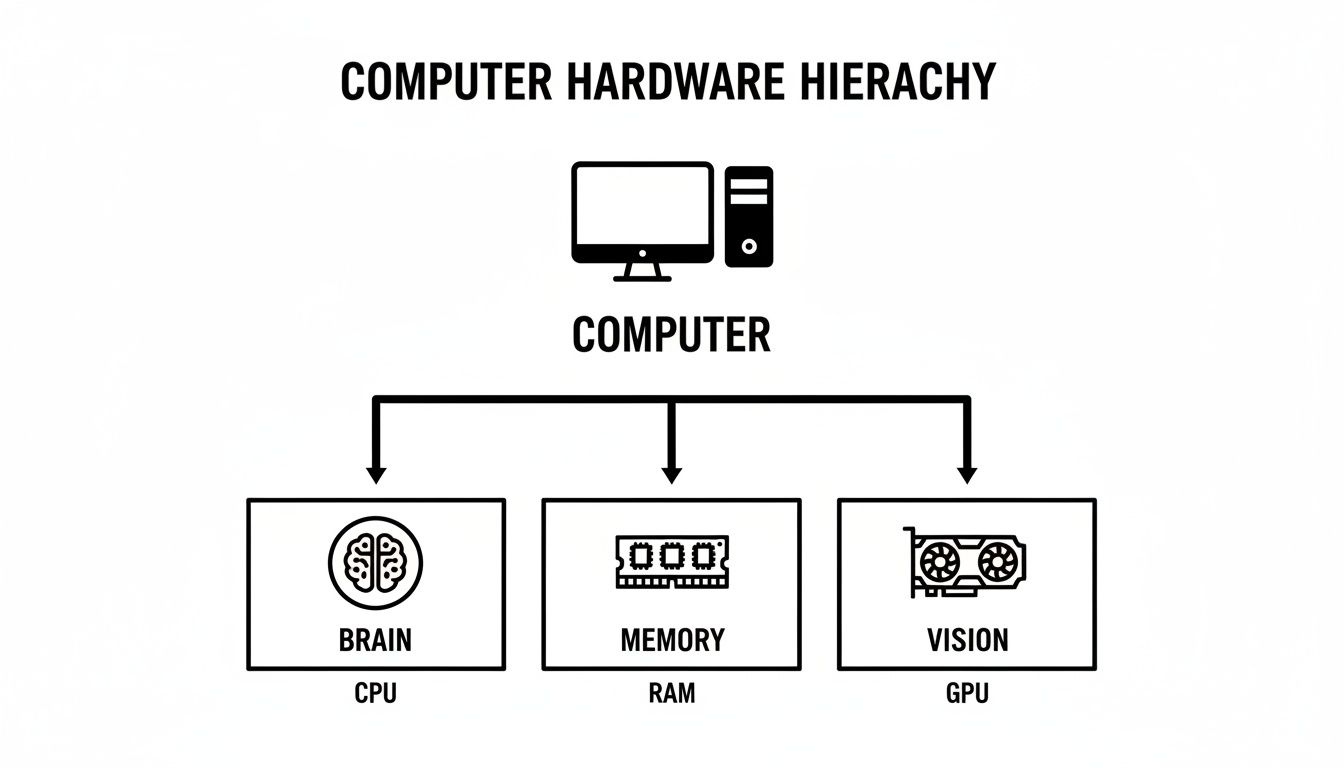
The CPU thinks, RAM juggles active tasks, and the GPU drives your screens. One weak link bottlenecks the rest.
For the Fast-Paced Day Trader
As a day trader, speed is everything. You’re in and out of the market in minutes or even seconds, reacting to a constant firehose of real-time data. Your computer needs to handle multiple charts, complex indicators, and a live Level 2 feed without a single hiccup.
For you, a millisecond of lag isn’t an annoyance — it’s a missed entry or a blown stop.
- Solid Performance: For a 2–3 monitor setup with standard charting (e.g. TradingView), prioritize CPU single-core speed and 32GB RAM.
- The Sweet Spot: 3–4 monitors with heavier platforms — faster CPU and a capable mid-range GPU.
- Professional Powerhouse: 4–6+ monitors, news streams, and dense indicators — top-tier CPU and workstation-class GPU outputs.
For the Analytical Swing or Options Trader
Your game is different. You’re not focused on split-second execution but on deep analysis, holding positions for days or weeks. Your computer needs to be a rock-solid research station, capable of running multiple charting platforms, dozens of browser tabs, and scanners for hours on end without crashing.
Reliability and stability are your top priorities.
- Solid Performance: Modern multi-core CPU and 16–32GB RAM for 2–3 monitors.
- The Sweet Spot: 32GB RAM and mid-tier CPU for options analytics and 3–4 monitors.
- Professional Powerhouse: High core-count CPU and 64GB RAM for heavy scanners and options tools.
The real challenge isn’t just buying the most expensive parts; it’s building a balanced system. A powerful processor is wasted if it’s constantly waiting on slow RAM, just as a six-monitor setup is useless if your graphics card can’t keep up. Discipline in your component selection mirrors the discipline needed in your trading.
For the Data-Driven Quant Trader
If you’re a quant or an algo trader, your computer isn’t just a tool — it’s your entire laboratory. You spend your days developing, backtesting, and optimizing complex strategies against massive historical datasets. For you, the most precious resource is time, and raw computational power is how you buy it back.
Your primary need is to crush through calculations as fast as possible.
- Solid Performance: High core-count CPU and at least 32GB RAM for strategy development.
- The Sweet Spot: Higher-end Ryzen 9 / Core i9 and 64GB RAM to shorten backtest cycles — see how to backtest trading strategies.
- Professional Powerhouse: Workstation CPUs (e.g. Threadripper) and 128GB+ RAM for large tick datasets.
Trading Computer Specs by Trader Type and Budget (2026)
| Trader Profile | Budget Tier | Recommended CPU | Recommended RAM | Recommended GPU | Storage |
|---|---|---|---|---|---|
| Day Trader | Entry | Core i5-14600K / Ryzen 5 7600X | 32 GB DDR5 | NVIDIA RTX 4060 | 1 TB NVMe SSD |
| Mid-Range | Core i7-14700K / Ryzen 7 7800X3D | 32 GB DDR5 | NVIDIA RTX 4070 Super | 2 TB NVMe SSD | |
| High-End | Core i9-14900K / Ryzen 9 7950X3D | 64 GB DDR5 | NVIDIA RTX 4080 Super | 4 TB NVMe SSD | |
| Swing/Options | Entry | Core i5-14400 / Ryzen 5 7600 | 16 GB DDR5 | Integrated or RTX 4060 | 1 TB NVMe SSD |
| Mid-Range | Core i5-14600K / Ryzen 5 7600X | 32 GB DDR5 | NVIDIA RTX 4060 | 2 TB NVMe SSD | |
| High-End | Core i7-14700K / Ryzen 7 7700X | 64 GB DDR5 | NVIDIA RTX 4070 | 2 TB NVMe SSD | |
| Quant/Algo | Entry | Core i7-14700K / Ryzen 9 7900X | 32 GB DDR5 | Integrated or basic GPU | 2 TB NVMe SSD |
| Mid-Range | Core i9-14900K / Ryzen 9 7950X | 64 GB DDR5 | Integrated or basic GPU | 4 TB NVMe SSD | |
| High-End | AMD Threadripper 7960X | 128 GB+ DDR5 | Integrated or basic GPU | 4 TB+ NVMe SSD |
These are starting points — adjust for your broker platform, chart count, and backtest load.
Choosing Your Battle Station: Desktop vs. Laptop
Desktops usually win on power, cooling, multi-monitor support, and upgradability. High-end laptops for day trading have closed the gap for traders who need mobility — see our dedicated laptop guide rather than forcing a desktop into a travel workflow.
The Case for Desktop Dominance
- Superior power and cooling for long volatile sessions
- Easier multi-monitor setups (four, six, or more displays)
- Cost-effective upgrades as your needs grow
If your desk is your command center, a desktop typically delivers the most performance per dollar.
The Laptop Advantage: Flexibility and Freedom
For traders on the move, a workstation-class laptop is a strategic choice — not a compromise — when portability matters more than maximum monitor count.
Trade-offs: smaller screens, limited upgrades, and often higher cost for the same performance tier.
Essential Gear Beyond the Computer Case
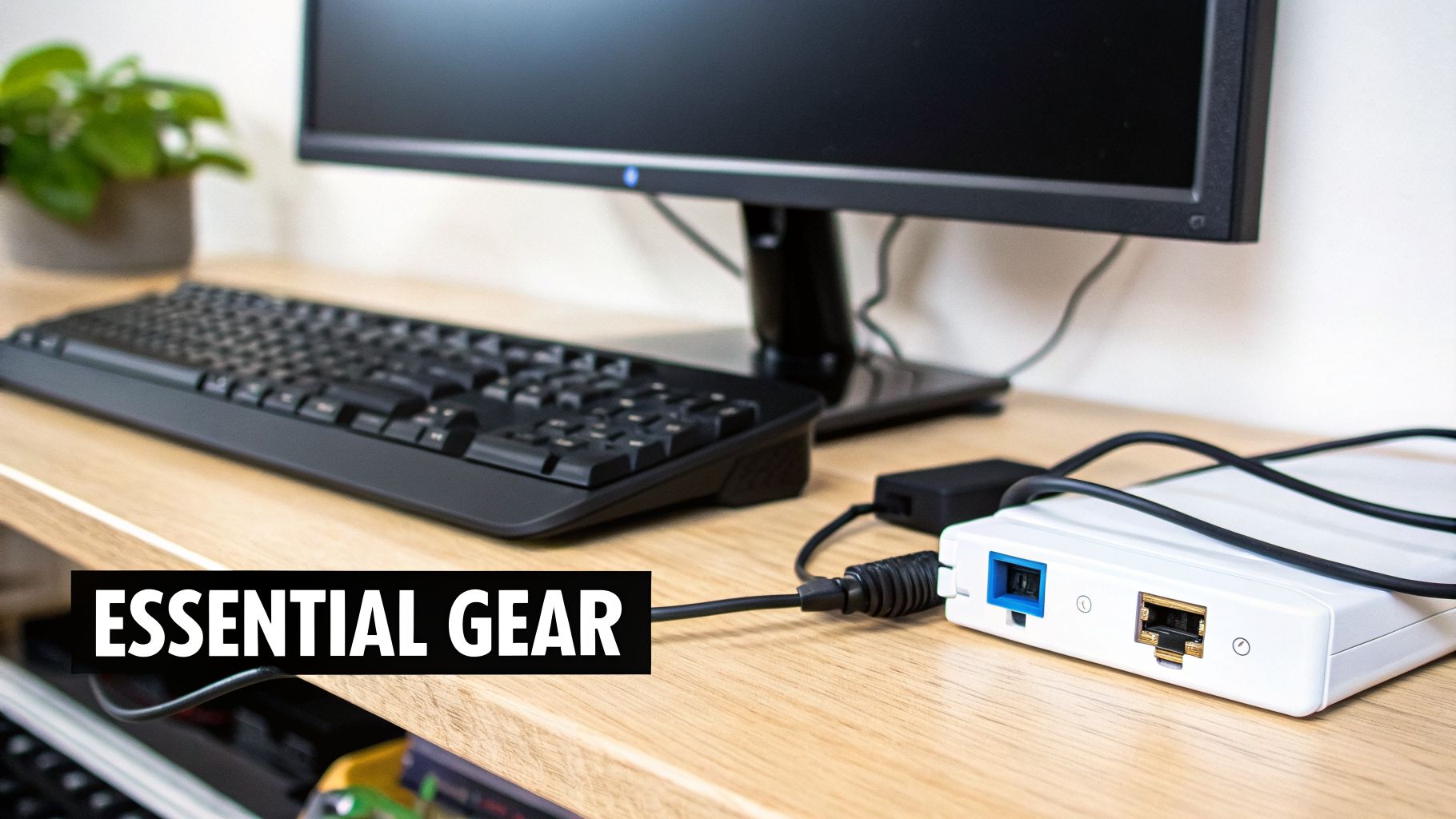
Putting together a powerful PC is a start, not the finish. Monitors, power backup, and networking affect focus, execution, and whether trades log cleanly for review.
Too many traders spend a fortune on internal parts only to cheap out on the very things they interact with for hours every single day. This is a classic false economy. Your monitor, internet connection, and power backup are all critical links in your trading chain. When the market gets hectic, one weak link is all it takes to bring your entire system down.
See the Market Clearly with the Right Monitors
Staring at charts for hours a day takes a real physical toll. Eye strain is a massive issue for traders, leading to headaches, fatigue, and the kind of simple mistakes that can cost you dearly. Investing in quality monitors is really an investment in your own health and career longevity.
Look for displays that prioritize your comfort and visual clarity:
- High resolution: 1440p or 4K for sharper charts and text
- Ergonomics: Adjustable stands for posture
- Flicker-free panels to reduce eye strain
Quality beats quantity: two strong screens often beat four low-res panels. Details in computer monitors for trading.
The Uninterruptible Power Supply: A Non-Negotiable Tool
Picture this: you’re in the middle of a critical, high-value trade when a brief power flicker shuts everything down. Your internet drops, your computer reboots, and by the time you’re back online, the position has moved hard against you. It’s a trader’s nightmare, and it’s completely preventable.
An Uninterruptible Power Supply (UPS) is a battery backup that provides instant, clean power to your equipment during an outage. It’s not just for surviving a major blackout; it protects you from the momentary power sags and surges that can crash your machine without any warning.
A UPS is your insurance policy against the unexpected. It gives you the crucial minutes needed to manage and exit your positions safely during a power loss, protecting your capital from a random act of misfortune. For a disciplined trader, this is not optional.
Ditch Wi-Fi for a Hardwired Connection
Wi-Fi is convenient for browsing, but it’s a liability for serious trading. Wireless signals are vulnerable to interference, packet loss, and latency spikes — tiny delays that can cause significant slippage on your orders. Slippage is the difference between the price you clicked and the price you actually got, and those small differences add up fast.
For the lowest latency and most stable connection, use a hardwired ethernet link to your router. Stable execution makes it easier to log accurate entries in your trading journal — especially when reviewing slippage or missed fills.
How to Buy and Maintain Your Trading PC
Once you’ve figured out what parts you need for your trading style, the next big question is actually getting your hands on the machine. You’re facing a classic choice that traders and tech geeks have debated for years: buy a pre-built computer or build it yourself from scratch.
Each option has its perks, and the right path for you really comes down to your technical know-how, how much time you have, and whether you want a support safety net.
For a lot of serious traders, the convenience and sheer peace of mind you get from a pre-built trading computer are worth every penny. These systems show up at your door ready to go, professionally put together, and tested for stability. Most importantly, they include a warranty and customer support, which can be a real lifesaver when something goes wrong. When your income depends on your computer being online, having an expert to call is a huge advantage.
On the other hand, building your own PC gives you total control and can often save you some money. If you’re comfortable with the tech and enjoy the process, a DIY build lets you pick every single component. This gives you the final say on both performance and your budget.
The Critical Choice: Pre-Built vs. DIY
This isn’t just about saving a few bucks; it’s about who takes on the risk. When you build it yourself, you are the tech support. If a component fails, it’s on you to figure out what’s broken and deal with the manufacturer’s warranty. With a pre-built system, that headache belongs to the company you bought it from.
- Choose pre-built if: You want plug-and-play reliability, warranty, and vendor support.
- Choose DIY if: You are comfortable troubleshooting and want full component control.
Timing your purchase matters, too. While the PC market is recovering, various supply chain factors can still affect availability and pricing. Being strategic about when and what you buy is part of treating your trading as a business.
A Simple Maintenance Checklist for Peak Performance
Your trading computer is a high-performance tool. And just like any professional tool, it needs regular upkeep to stay in top form. A little bit of disciplined maintenance goes a long way in ensuring long-term stability and preventing the slow-downs that can creep in over time.
Just as you review your trades to maintain your edge, you must maintain your equipment to ensure it performs when you need it most. This isn’t a one-time setup; it’s an ongoing process of discipline that protects your investment and your capital.
Here’s a simple checklist to keep your system running like new:
- Automate OS and security updates so patches apply without manual drift during market hours.
- Clean dust from fans and vents every few months — airflow keeps CPUs from throttling mid-session.
- Run weekly malware scans to avoid slowdowns from background junk.
Pair hardware maintenance with trade reviews: equipment and journal habits both protect long-term edge. For platform setup, see trading platform comparison.
Frequently asked questions
Do I Really Need an Expensive Graphics Card for Trading?
This is a big one, and the short answer is: probably not. For most traders, a top-of-the-line gaming graphics card is complete overkill. Its main job in your trading rig is simply to power your displays, not to render complex, high-speed graphics like in a video game.
A solid, mid-range card is more than capable of running a 2-4 monitor setup with perfect clarity. It’s a much smarter move to put that extra budget into a faster CPU or more RAM, as that’s where you’ll feel the real performance boost. The only time you should even consider a premium GPU is if you’re driving 6+ monitors or using highly specialized software that relies on GPU-based calculations.
Should I Build My Own Trading PC or Buy Pre-Built?
This really boils down to a trade-off between your time, your budget, and how comfortable you are with technology. Building your own PC lets you hand-pick every component, giving you the absolute best performance for your money. But be warned: you are your own tech support, and it requires a fair bit of know-how and patience for troubleshooting.
On the other hand, buying a pre-built machine from a company that specializes in trading computers offers convenience and, more importantly, peace of mind. It shows up ready to work right out of the box and comes with a warranty and customer support. For a professional trader, that’s a huge deal.
A pre-built system provides a safety net. For traders who need a reliable machine working perfectly from day one, that professional support is often more valuable than the potential savings of a DIY build.
How Many Monitors Are Best for Day Trading?
There’s no magic number here, but we’ve found that most seasoned traders settle into a 3-4 monitor setup as their ideal command center.
A multi-monitor setup like this lets you compartmentalize your workflow without constantly switching windows.
- Screen 1: Order execution platform
- Screen 2: Charts and technical analysis
- Screen 3: News, scanner, or calendar
- Screen 4: Trading journal or performance dashboard
Our best advice? Start with two great monitors. You can always add more later if your workflow starts to feel cramped.
Can I Use a Mac as My Primary Trading Computer?
You absolutely can. Macs are fantastic machines, famous for their stability and premium build quality. The big hurdle, however, is software compatibility. The reality is that the overwhelming majority of trading platforms, charting tools, and custom indicators are built for a Windows environment.
While some platforms do offer native Mac applications or solid web-based versions, you’ll find your options are much more limited. If you want the most flexibility and access to the widest ecosystem of trading software, a Windows PC is still the industry standard and the route we recommend for most traders.
Related reading
- Laptops for day trading — portable setups
- Computer monitors for trading — panels and ergonomics
- Trading platform comparison — software that runs on your PC
- How to backtest trading strategies — CPU/RAM for research loads
- Why every trader needs a trading journal — review execution quality
Get started with TraderSetup for free — journal trades on any machine you choose.